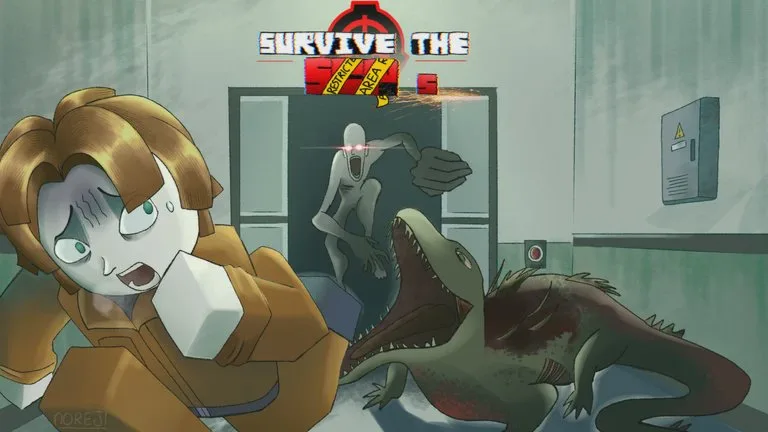
Play on the official game page
Join the experience
- Open the official Roblox page for [UPD PT2] Survive The SCPs. The Play control on this site uses that same URL.
- Sign into the Roblox account you want to play on.
- Check the title, the studio 0 Braincells Studio, and place 127015467606551.
- Join a server. The directory cap is 16 players.
- When you spawn, continue with the beginner guide.
Device support, age rating, and voice chat were not stated in the sources used here. If the Roblox client says your device cannot run the experience, that client message is the restriction.
If you cannot get in
The experience page can fail to list servers even while people are playing. A directory read on 21 November 2026 showed players online and a 16-player cap. One empty server widget is not a shutdown notice.
- Play button missing: you are not on roblox.com/games/127015467606551, or the Roblox client is signed out.
- Button works and no server appears: refresh the Roblox page, then try again. Do not switch to a lookalike title to "get in faster."
- You load into a game whose creator is not 0 Braincells Studio: leave. Codes and badges from this wiki will not match.
- You expected a phone, console, or PC note: none was published on the listing text used here.